Apple Journal vs Daylio: Features, Privacy & Pricing
What is it actually like to journal with Apple Journal versus Daylio? We compare real examples, daily routines, and the trade-offs you notice in practice.
3 min read

Apple Journal
vs

Daylio
Quick verdict
Choose Apple Journal if you want a free, open page for writing about everyday moments. Choose Daylio if you want quick mood and activity check-ins, with notes when you want them. The main trade-off is between a free, open page for writing about everyday moments and quick mood and activity check-ins, with notes when you want them.
Features compared side by side
| What matters | Apple Journal | Daylio |
|---|---|---|
| Writing freedom | Open-ended entries; prompts and suggestions are optional. | Mood/activity check-ins with optional notes; long-form writing is possible but not the main flow. |
| Guided prompts | Open-ended writing with optional journaling suggestions and prompts. | Mood/activity selection and goals. |
| Gratitude routine | Open-ended writing lets you create your own gratitude reflection. | Can be configured as a gratitude diary, according to its store listing. |
| Media | Photos, audio, location and other attachments are supported. | Photo attachments are supported. |
| Reminders | A journaling schedule and suggestion notifications are documented. | Daily reminders are supported. |
| Search and organisation | Multiple journals and search/filter tools are documented. | Calendar, charts and statistics organize entries. |
| Supported devices | iPhone. | iPhone, iPad and Android apps are documented. |
| Export options | Export all entries as ZIP; print or save entries as PDF. | PDF and CSV exports are documented. |
| Pricing | Free. | Free download with paid Premium options. |
Privacy and data handling
| Privacy detail | Apple Journal | Daylio |
|---|---|---|
| Storage | Entries sync through iCloud when enabled; Apple says they are encrypted in transit and while stored in iCloud. | The developer says entries are stored locally and are not sent to its servers; optional backups use the user’s private Google Drive or iCloud. |
| Encryption | Apple documents encryption in transit and at rest. | The developer says backup transfer uses secure encrypted channels and the cloud provider encrypts stored backups. |
| Cloud syncing | iCloud sync is optional; entries can sync across the user’s iPhones. | Optional backups use private cloud storage. |
Primary sources: Apple Journal backup, export and iCloud details; Daylio privacy policy and data security FAQ.
For journaling that goes a little deeper
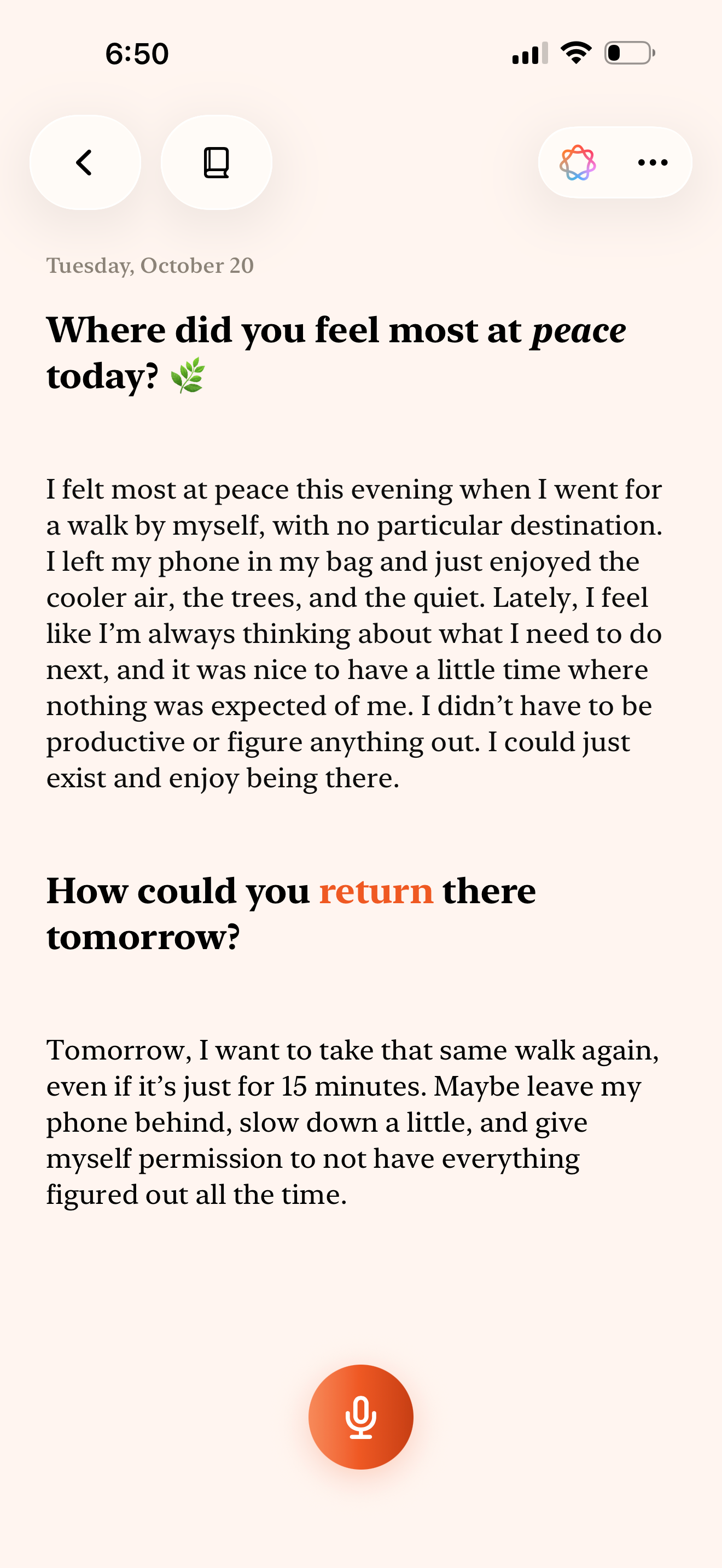
If you’re looking for a journaling experience that helps you move from what happened to why it mattered, discover Ray’s approach to gratitude journaling, and explore the Gratitude Journey.
Frequently asked questions
Which app should I choose: Apple Journal or Daylio?
Choose Apple Journal if you want a free, open page for writing about everyday moments. Choose Daylio if you want quick mood and activity check-ins, with notes when you want them. Pick the format you are more likely to keep using.
How do Apple Journal and Daylio handle journal privacy?
Storage: Apple Journal — Entries sync through iCloud when enabled; Apple says they are encrypted in transit and while stored in iCloud; Daylio — The developer says entries are stored locally and are not sent to its servers; optional backups use the user’s private Google Drive or iCloud. Encryption: Apple Journal — Apple documents encryption in transit and at rest; Daylio — The developer says backup transfer uses secure encrypted channels and the cloud provider encrypts stored backups. Cloud syncing: Apple Journal — iCloud sync is optional; entries can sync across the user’s iPhones; Daylio — Optional backups use private cloud storage.
What is the main difference between Apple Journal and Daylio?
Apple Journal: Open-ended entries; prompts and suggestions are optional. Daylio: Mood/activity check-ins with optional notes; long-form writing is possible but not the main flow. Apple Journal: Open-ended writing with optional journaling suggestions and prompts. Daylio: Mood/activity selection and goals. Apple Journal: Open-ended writing lets you create your own gratitude reflection. Daylio: Can be configured as a gratitude diary, according to its store listing.
More comparisons:
 Day Onevs
 Ray
- Apple JournalvsRay
 GratitudevsRay
 Five Minute JournalvsRay
- DayliovsRay
 CalmvsRay
- Apple JournalvsDay One
- Five Minute JournalvsGratitude
- Day OnevsDaylio
- Apple JournalvsFive Minute Journal
- Apple JournalvsGratitude
- Day OnevsFive Minute Journal
- Day OnevsGratitude
- DayliovsFive Minute Journal
- DayliovsGratitude
- Day OnevsCalm
- Apple JournalvsCalm
- DayliovsCalm
- Five Minute JournalvsCalm
- GratitudevsCalm
For a broader comparison, see all journaling apps compared for 2026.
Continue reading
More from the journal

Is AI Journaling Safe? How Ray Keeps Your Journal Private
Learn how private AI journaling works, how Apple’s on-device models protect your writing, and why your journal doesn't need the cloud.
2 min read

Become Irreplaceable in the Age of AI
As AI reshapes the way we work and live, the most important investment may be in understanding yourself.
9 min read

14 Gratitude Journal Prompts for a Deeper Connection With Yourself
7 min read
Feel more grateful, everyday.
Download Ray and begin your next reflection.